
Secure access
InboxBrief only requests the read permissions required to generate your digests. We cannot send, modify, or delete your messages.
InboxBrief solution
Colleagues, suppliers, internal clients, approvals, follow-ups: InboxBrief gathers the flood of work email into a prioritized summary, extracts the actions to take and keeps every deadline in view.

Requests from management, urgent files and approvals rise before information threads and CC copies.
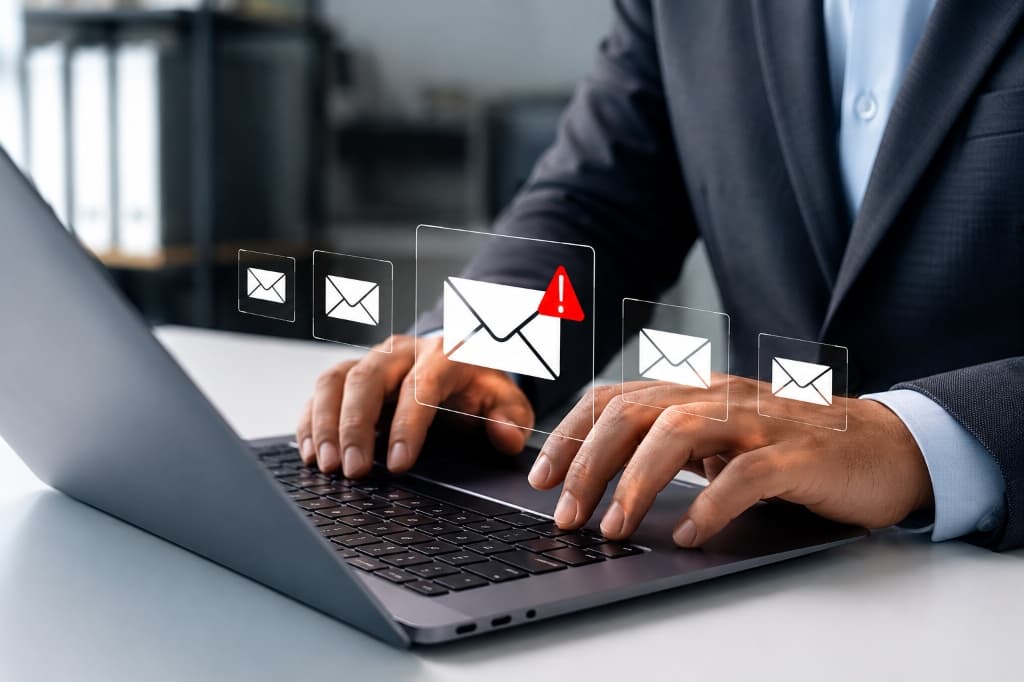
Every approval request, awaited reply or deadline becomes a clear task, with its date and context.
Find any exchange, attachment or decision in a few words, without digging through your inbox.
Security
InboxBrief only requests the read permissions required to generate your digests. We cannot send, modify, or delete your messages.
All connections use secure encryption protocols (SSL/TLS). Your data is encrypted in transit and at rest.
Your emails are never shared with third parties or used to train public AI models. Your data remains strictly confidential.
From connecting your mailboxes and calendars to analyzing your flows, discover the synergy of a secure platform built for efficiency.
Impact
You no longer have to keep everything in your head: requests and deadlines are spotted and tracked for you.
You see at a glance what blocks a file or awaits your approval, and handle the essentials first.
Setup
Gmail, Outlook, Google Workspace or an internal IMAP server, read-only.
Add your projects, departments, suppliers and recurring topics to watch.
A prioritized summary, extracted actions and deadlines centralized in one calendar.
Yes, if it runs on Gmail, Google Workspace, Outlook or an IMAP server. The connection stays read-only.
Yes. Access is read-only and used only to generate your summary. Nothing is sent or changed.