Find your way around the app
The side menu, your personal and team spaces, notifications and the profile menu: where everything is.
Updated November 3, 2026
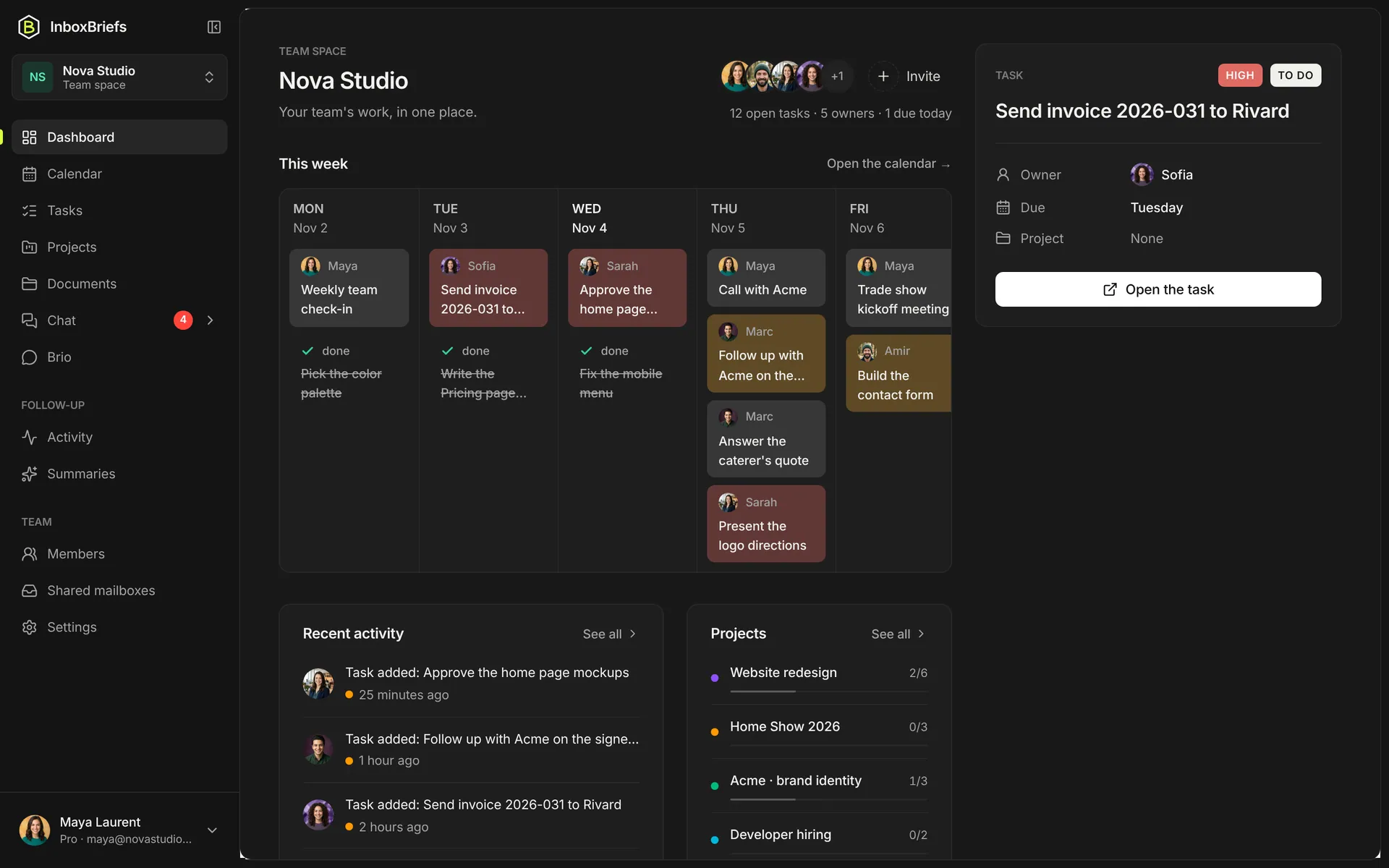
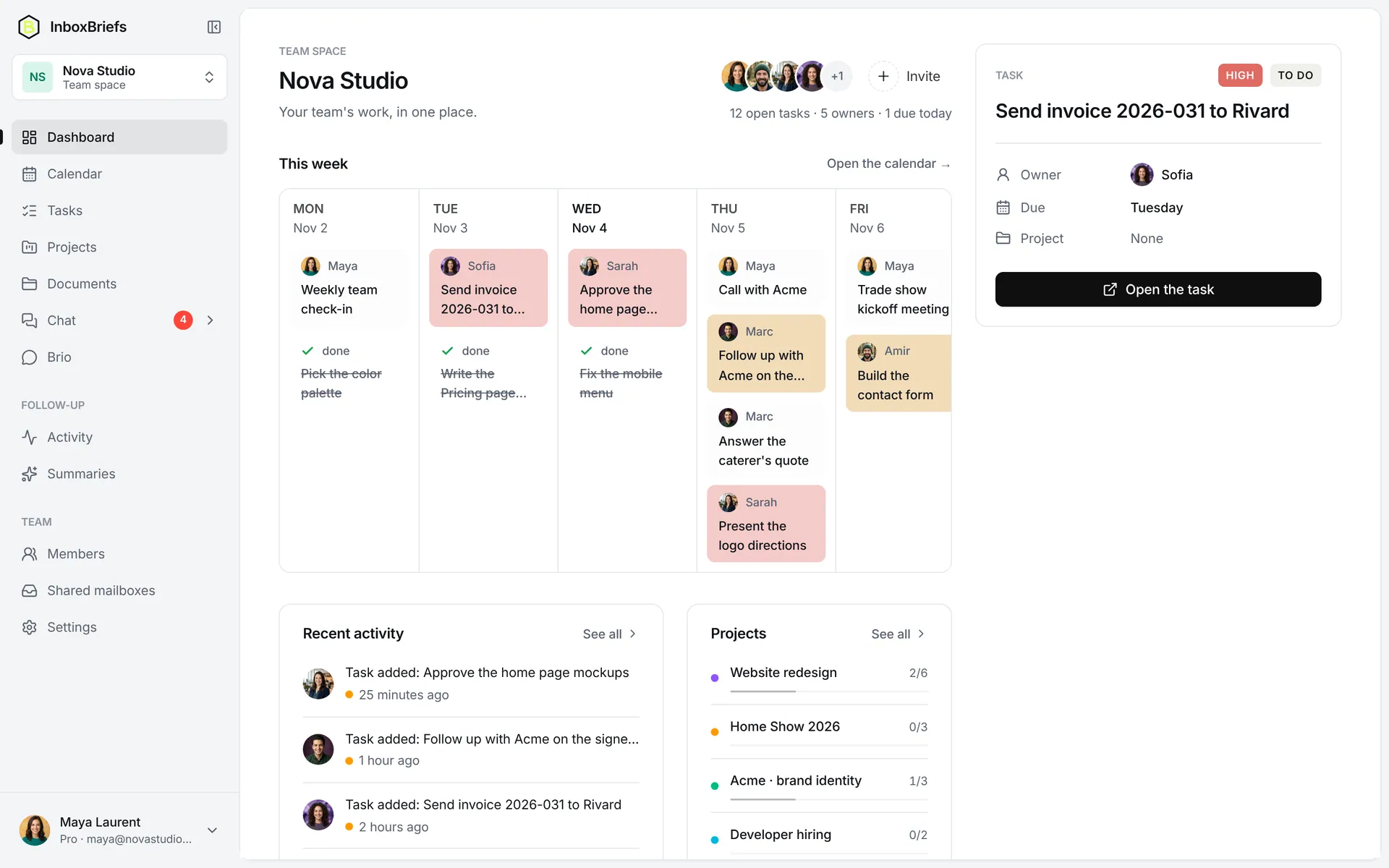
Switch between spaces
Step 1 of 2
- At the top of the menu, click the name of the open space.
- Pick Personal space or a team. Manage spaces lists your teams and creates a new one.
What is in a space stays there: a team's tasks, projects and mailboxes don't mix with yours.
Notifications and the profile menu
- The Notifications bell shows what's new: entries added to your planner, activity in your teams.
- Your picture opens the profile menu: Settings, Language, Upgrade plan, Get help, Sign out.
- To find anything, use the ⌘K search.
Related articles
- Get started with InboxBriefsCreate your account, connect an inbox and get your first summary: the three steps to begin, in five minutes.
- Find anything with ⌘K searchOne box to open a page, a project, a document or an automation, create a task, or ask the assistant.
- Language, time zone and themeSwitch the app between English and French, set your time zone for reminders and dates, and pick light or dark mode.
Didn't find your answer?
Write to us: we answer by email.