Documents and notes
Write Notion-like pages (notes, procedures, meeting notes) and, in a team, keep files and received attachments in order.
Updated November 4, 2026
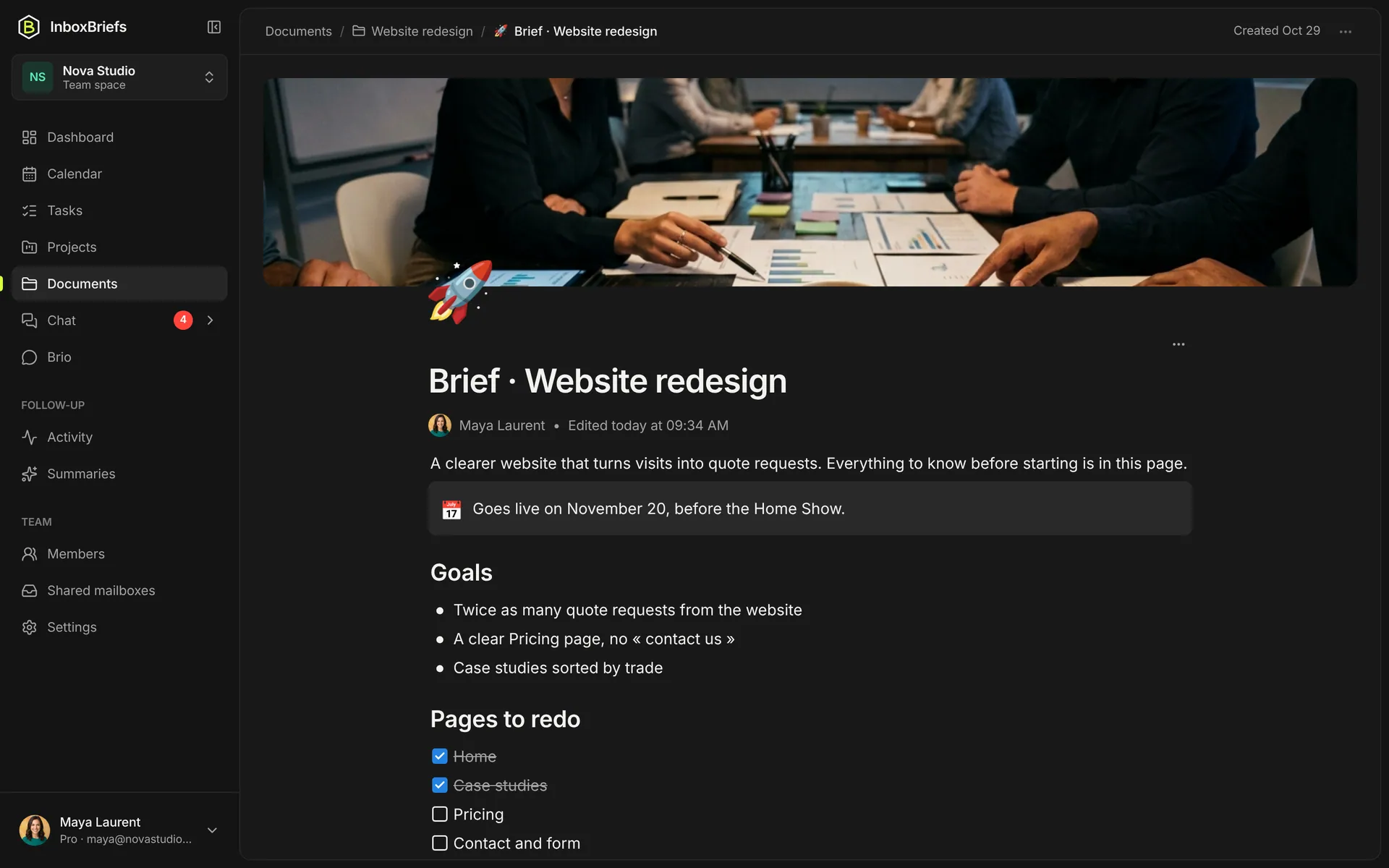
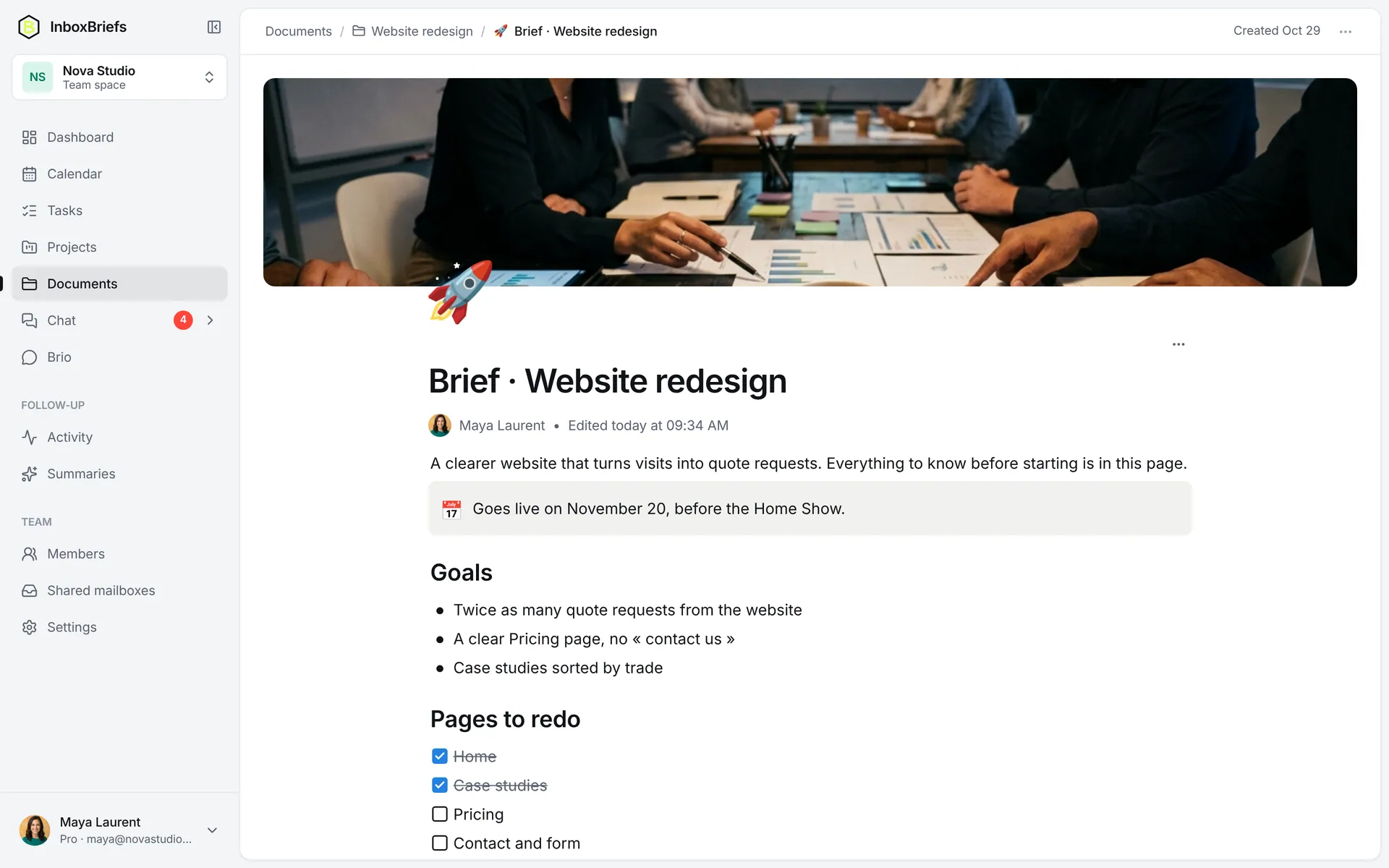
Write a page
Step 1 of 3
- Open Documents.
- Click New document, or From a template.
- Write, or type / for commands: headings, lists, checkboxes, callouts, images, links.
- Add a sub-page files a page under another.
- Add cover puts an image at the top of the page.
- Copy link shares the page with the team.
- Everything saves as you type; the assistant can search your documents to answer you.
The team's files
Step 1 of 3
- In a team space, open Documents.
- New folder to sort, Add a file to upload.
- Attachments from the shared mailboxes' emails file themselves here, with the Auto badge and their sender.
Each file has Download, Move to a folder and Delete. Show filters between Files and Pages. When a received file seems to belong to a project, the assistant offers to file it there.
Related articles
- The contact directoryYour clients, suppliers and partners in one place, with their details, notes and the projects they're involved in.
- ProjectsGroup tasks and events by project, with its dates, its status, and what the assistant should know to file them well.
- Ask the assistant a questionFind an email, create a task, plan your week: ask the assistant in one sentence, it looks and acts for you.
- Shared mailboxesConnect contact@, support@ or the team's main inbox: up to 10 mailboxes, a summary each, tasks for everyone.
Didn't find your answer?
Write to us: we answer by email.