Read your morning summary
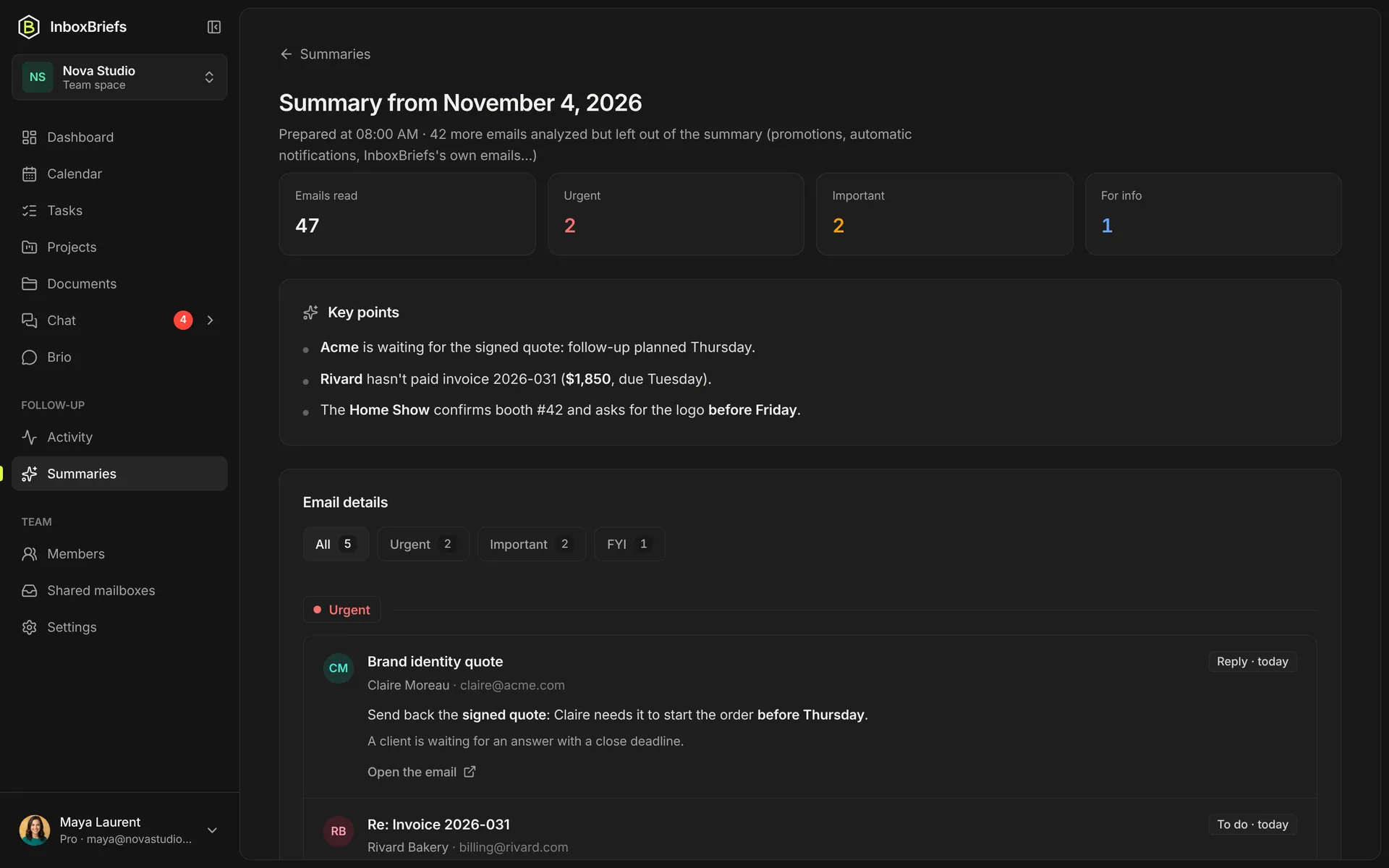
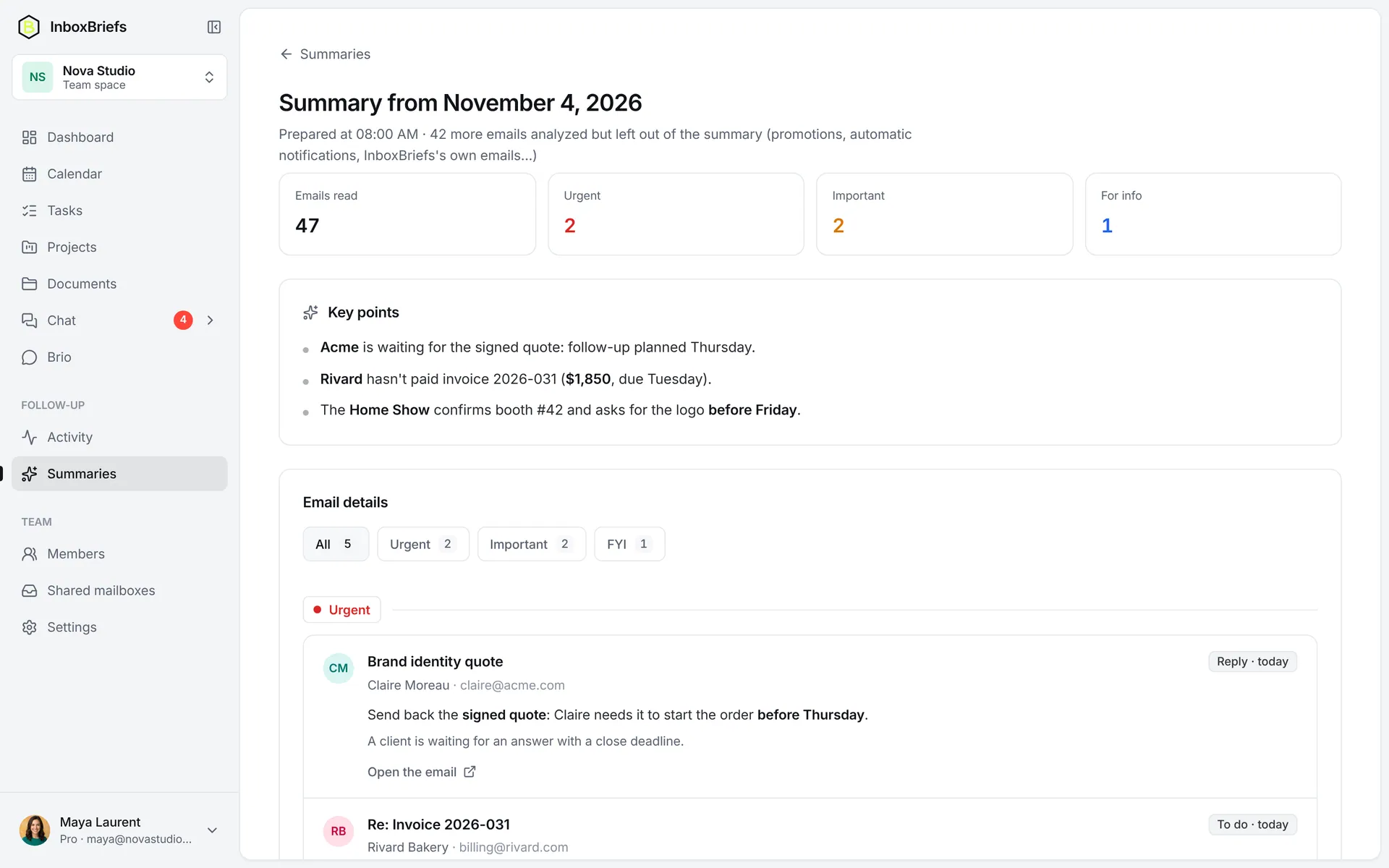
Every morning, your emails sorted into urgent, important and FYI, with what to do and the link to each email.
Updated November 3, 2026
Where to find it
- By email, at the time you chose (see the summary schedule).
- On the dashboard, in the Today's brief card.
- In the history: open History in the side menu to find all your summaries, filtered by 7 days, 30 days or 3 months.
What it holds
- At the top, one line per source: each mailbox, your tasks, your planner and, in a team, the chat.
- Then the emails that matter, sorted into Urgent, Important and FYI. The All filter shows them together.
- Each entry says what to do — Reply, To do, Review, Meeting — and by when: today, this week.
- Newsletters, promotions and automatic notifications are kept out of the summary.
Act from the summary
Step 1 of 3
- Open the summary and pick a category: Urgent, Important or FYI.
- On an entry, click View email: it opens in the site's email window, for every mailbox.
- Not to wait for the next send, click Generate now on the dashboard.
Make the sorting fit you
Say what matters to you in one sentence — “Prioritize emails from my direct clients” — in your instructions. They guide the priorities of every summary.
Related articles
- Choose the time and days of your summaryEvery day or on weekdays, at the time you pick, or not at all: in Automations, Integrations tab.
- Steer the sorting with your instructionsOne sentence is enough to say what matters: your instructions guide the summary's priorities and can create tasks.
- Open and browse an email in the appRead an email without leaving InboxBriefs, attachments included, and browse your folders. Read-only.
- Create and assign a taskAdd a task in one line, then give it a status, a priority, dates, a project and its owners.
Didn't find your answer?
Write to us: we answer by email.